How AI is Transforming Technical Writing

Everywhere I go I am constantly asked if AI has already replaced us, as technical writers. My answer is “well… not yet”, we are still in the “frienemy” stage. A stage in which we work together hand in hand. Actually, AI is like having a smart team at the technical writer’s disposal. So I thought I would put together a post that summarizes how AI is used by technical writers, while considering that the minute I will finish writing it, it will need to be updated. Nevertheless, here are some of today's uses.
A brainstorming partner
Tools like ChatGPT and Claude are the perfect technical writer’s brainstorming partner. Here are some of the ways in which AI will act as a brainstorming partner and push technical writers forward in their writing process:
- Ask about a technical term or parameter: You look at the UI and there is a parameter that you don’t quite understand? Before asking the engineer, or product manager, you can first ask ChatGPT or Claude to get a general notion. Since they are extremely patient, you can ask them follow-up questions about how the parameter is used, when to use it, and common values used in the parameter, etc. This can help you create more insightful documentation, without reaching the engineer’s patience limit. Of course it won’t help you with terms or parameters that are proprietary to the technology that you are documenting.
- Get started quickly: AI also helps you get the ball rolling quickly. Need an outline for a “Getting Started” guide or a User Manual? AI can propose one in seconds. Usually it’s not perfect but a good starting point to start working from.
Your always-on editor
Once you have a draft, the next challenge is making sure it’s clean, clear, and consistent. This is where AI really shines as an “always-on editor” that never gets tired of pointing out the same mistakes.
- Polish grammar and style: Tools like Grammarly or ProWritingAid catch typos, awkward phrasing, and overly long sentences. For example, if you’ve written a 30-word monster sentence with three commas and a semicolon, AI will politely nudge you to split it into two shorter ones.
- Enforce style guides: Working in a team? AI can enforce the company’s voice and terminology. If your product uses the term workspace but someone keeps writing project, AI will flag it before the inconsistency reaches your readers.
- Clarity for the reader: Tools like Hemingway Editor even color-code your sentences based on readability. If you write “utilize” instead of “use,” it will call you out. If you slip into passive voice, it’ll highlight that too.
Your tireless librarian
If drafting and editing are about polishing the words, knowledge management is about keeping the library under control. As documentation grows, so does the mess, duplicate articles, missing links, inconsistent tags, etc. AI is now stepping in as the tireless librarian.
- Tagging and categorization: Platforms like Document360’s Eddy AI, Helpjuice, and Zendesk use AI to suggest tags for new articles, helping you organize content without manually combing through every page. This means when someone searches for “export settings,” they’ll also find docs tagged with “backup” or “configuration,” because AI has learned the connections.
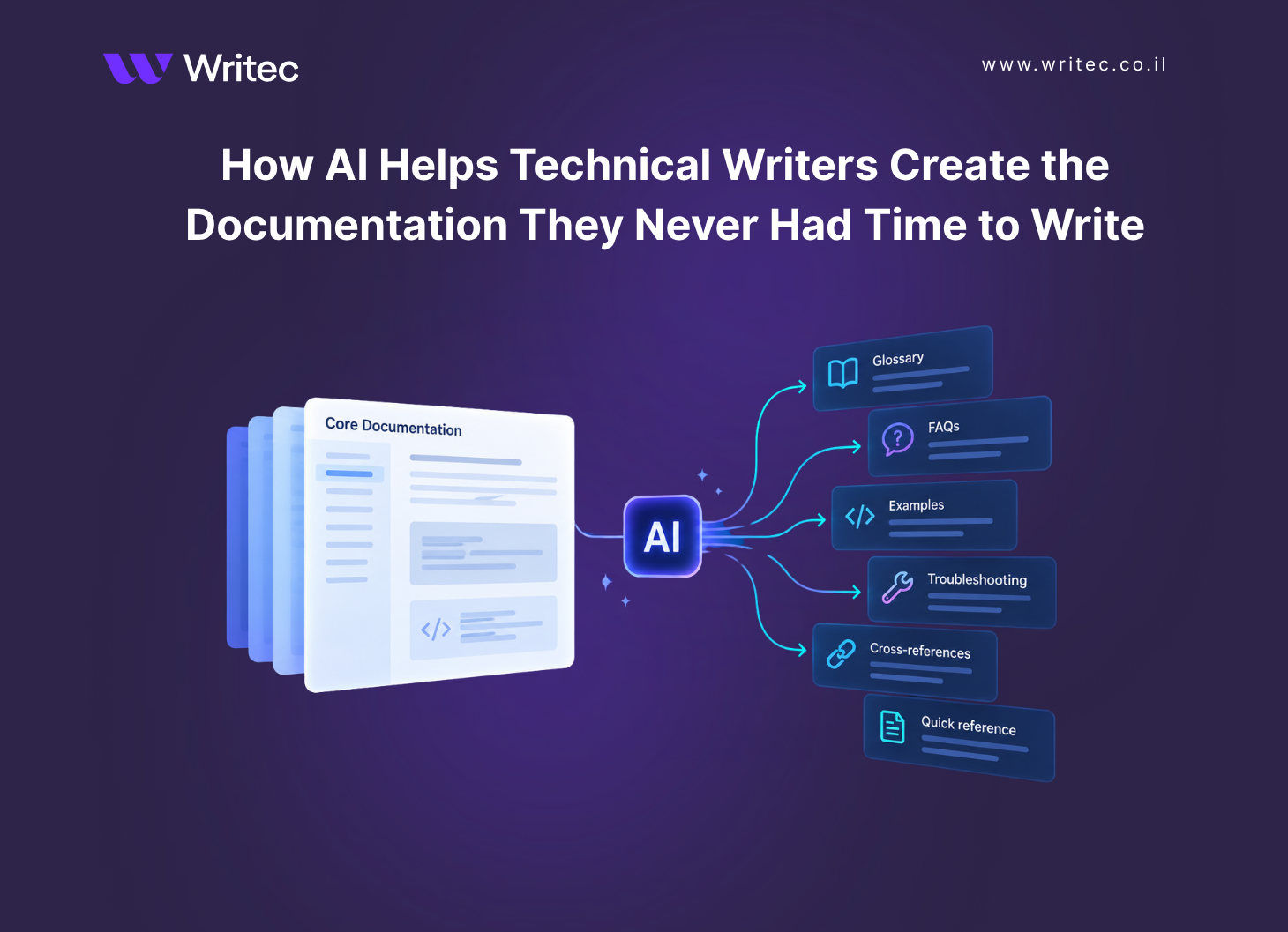
- Glossary and terminology building: AI can automatically scan content to identify recurring terms and build a glossary. Tools like Acrolinx and Congree already enforce consistent terminology, now AI-powered features also suggest when a new entry should be added.
- Content linking and reuse: Some platforms, like Paligo and Heretto (component content management systems), are starting to integrate AI that recommends related articles or content snippets you can reuse. Instead of rewriting the same troubleshooting note five times, AI can point you to an existing, reusable version.
- Search optimization: Beyond tagging, solutions like Elastic-powered semantic search (used in Confluence and other doc hubs) apply AI to understand intent, not just keywords. For example, if a user searches “How do I restore my workspace?”, the AI can surface “Project recovery” docs, even though the wording is different.
- Analytics-driven cleanup: AI can analyze which articles get read, which searches fail, and which content is outdated. Platforms like Fluid Topics and Zoomin are strong here. They use AI analytics to tell you: “This article hasn’t been updated in 18 months” or “Users searching for X are bouncing because they’re not finding an answer.”
Like all things in life, once you get used to having a powerful team at your disposal it’s hard to go back to writing on your own. Unless you are a hardcore purist that still writes with a typewriter 🙂