Agentic Documentation Pipeline Series – Templates as Code
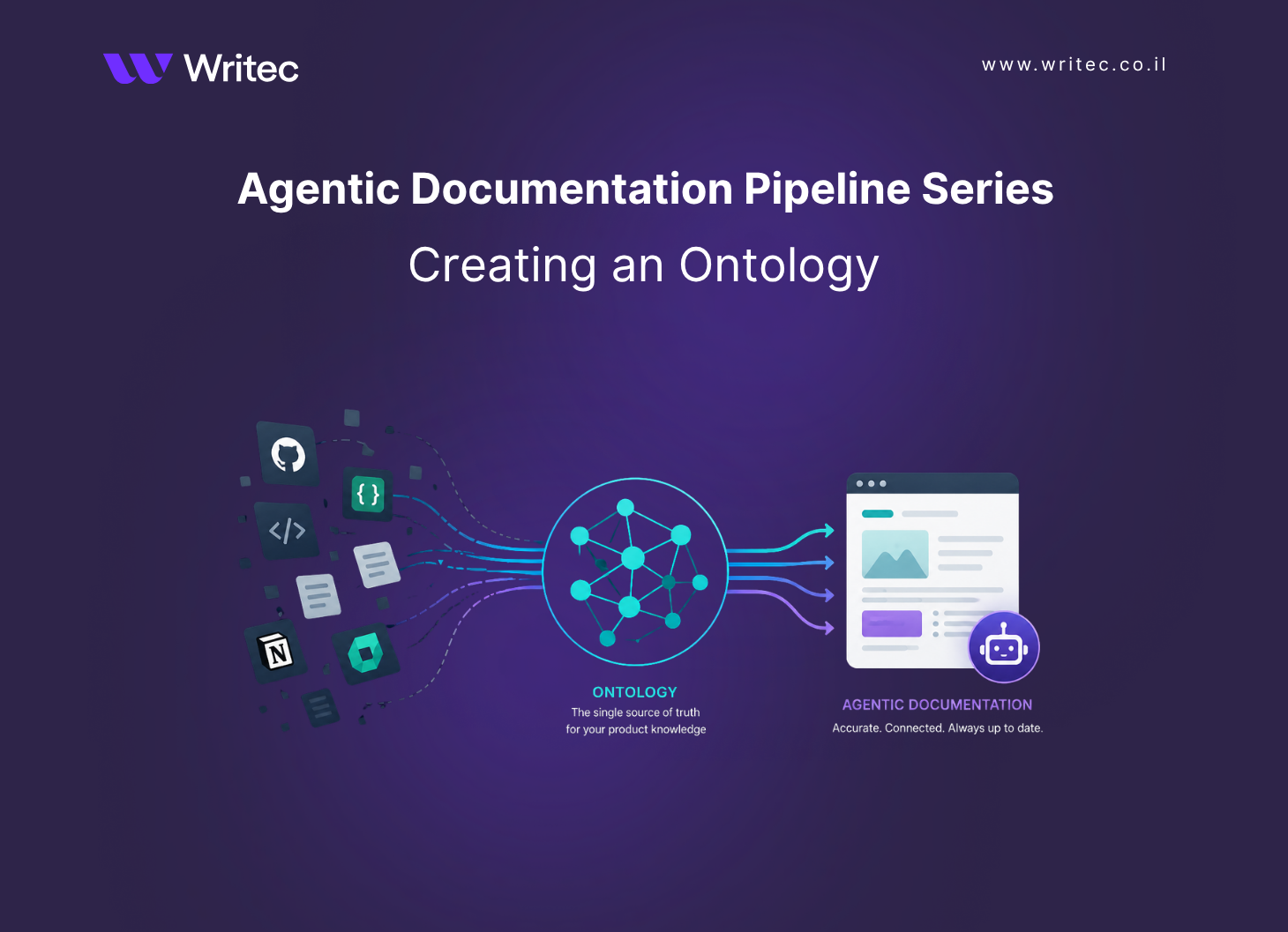
In a previous post in this series, I explained how to create the ontology, the machine‑readable model of the product that an agentic documentation pipeline reads from before it writes anything. The ontology answers the question, what are the things in this product and how do they connect?
This post focuses on the second step in building the pipeline, which is treating templates as code. The ontology tells the agent what exists. Templates tell the agent how every kind of page should look and how the agent should think when it produces one.
What are templates as code?
In an agentic pipeline, you need a template to be a validated, version‑controlled artifact that lives next to the code it documents.
There are two kinds of templates in an agentic pipeline, and both are treated the same way:
- Page templates define what a page is allowed to contain. They are schemas, not stubs. A reference page is a composition of typed blocks, and a build that produces a page missing a required block fails the same way a build with a syntax error fails.
- Prompt templates define how the agent should think when it produces a page. They are not free‑form instructions. They are parameterised documents whose inputs come from the ontology, whose outputs are tested against fixtures, and whose changes go through code review.
Both live in the same repository as the OpenAPI spec and the catalog. Both have schemas. Both are reviewed in pull requests. Both are tested before they ship.
The scenario
I will continue with the same scenario from the first post, so the discussion stays grounded:
- A mid‑stage Fintech company ships a payments API, a Node SDK, and a Python SDK to several thousand developers, with engineers merging between three and ten pull requests per day.
- The company keeps a monorepo on GitHub, an OpenAPI 3.1 specification as its API contract, PRDs and design specs in Notion, and an existing Mintlify‑hosted documentation portal.
The team has already built the ontology described in the previous post. Now they need to define the templates that turn an ontology entry into a published page.
Layer 1 – Page templates with Markdoc
The team uses Markdoc. Markdoc lets the writer define custom tags such as {% endpoint %}, {% param %}, {% response-example %}, and {% callout %}, each with a typed schema. An endpoint reference page is no longer a Markdown file with a free‑form description. It is a composition of typed tags whose schemas are validated at build time. If a generated page omits the authentication block, the build fails the same way a TypeScript file fails when it omits a required argument.
Here is a simplified Markdoc schema for the endpoint tag. It is the contract the agent has to satisfy:
// schemas/endpoint.markdoc.js
export const endpoint = {
  render: 'EndpointHeading',
  attributes: {
    method:    { type: String, required: true,
                 matches: ['GET','POST','PATCH','DELETE'] },
    path:      { type: String, required: true },
    audience:  { type: String, required: true },
    stability: { type: String, required: true,
                 matches: ['stable','beta','deprecated'] },
    flow:      { type: String, required: false },
  },
  children: ['paragraph','param','response-example',
             'callout','authentication']
};
A generated reference page now looks like a typed document, not a text file:
{% endpoint method="POST" path="/payment_intents/{id}/confirm"
            audience="developer" stability="stable" flow="checkout" %}

{% authentication scheme="bearer" /%}

Confirm a payment intent so the issuer can authorize the charge.

{% param name="id" location="path" required=true
         example="pi_3OqK2pLkdIwHu7ix1PqRfTwz" %}
The payment intent to confirm. The intent must be in the
requires_action state when this call is made; otherwise the
request fails with a 409 conflict.
{% /param %}

{% response-example status=200 %}
{ "id": "pi_3OqK2pLkdIwHu7ix1PqRfTwz", "status": "processing" }
{% /response-example %}

{% callout type="migration" %}
As of 2026-03, the confirmation_method parameter has been
removed. See the migration note in the change log.
{% /callout %}

{% /endpoint %}
The build pipeline runs the page through three checks. The Markdoc compiler verifies the schema. A custom linter verifies our soft constraints, including that every parameter description is at least twenty words, every example value resolves, and every error code has a troubleshooting anchor link. Vale verifies the prose against the style guide. A page that fails any of the mblocks the merge.
If you would rather not maintain a custom Markdoc setup, Mintlify, ReadMe, and Docusaurus all expose comparable primitives:
- Mintlify uses MDX with typed components.
- ReadMe uses a typed block system.
- Docusaurus uses MDX plus its own components.
The choice of tool matters less than the discipline of treating the template as a typed schema, not a stub.
Layer 2 – Prompt templates
Once the page template is in place, the second template the agent needs is the prompt that tells it how to fill the page in. Prompt templates live in the same repository as page templates, under a /prompts directory, in plain text or YAML.
A simplified version of the endpoint prompt template looks like this:
# prompts/endpoint-reference.v3.yaml
schema_version: 3
target_template: schemas/endpoint.markdoc.js
inputs:
  - openapi_fragment      # from the OpenAPI spec
  - catalog_entries       # every catalog entry referencing this endpoint
  - recent_commits        # the three most recent commits touching it
  - style_examples        # voice samples from the existing corpus
system: |
  You are generating an endpoint reference page for the
  PaymentIntents API. Produce a Markdoc document that
  conforms to schema v3.

  Use the {% endpoint %} tag for the heading. Populate the
  audience, stability, flow, method, and path attributes
  from the x-extensions on the OpenAPI fragment.

  For every parameter, write a description of at least
  twenty words that explains what the parameter controls,
  when a developer would change it, and what happens at
  the boundary values. Use the x-example-realistic value
  as your example.

  If the catalog entry contains a transition triggered by
  this endpoint, add a "What happens after this call"
  section describing the move from the source state to
  the target state. Cross-link the emitted webhook.

  If the change log indicates a recent breaking change,
  include a {% callout type="migration" %} block.
How templates and prompts work together
Neither layer is useful on its own. A page template without a prompt is an empty schema; an agent cannot fill it without instructions. A prompt without a page template is free‑form text generation; nothing stops the output from drifting into the wrong shape.
When the orchestrator decides to generate the reference page for POST /payment_intents/{id}/confirm, the steps are:
- The orchestrator pulls the context bundle described in the previous post, drawing on the OpenAPI fragment and every catalog entry referencing the endpoint.
- It loads the prompt template at the version this page was created with and substitutes the bundle into the inputs.
- It calls the agent. The agent produces a Markdoc document.
- The Markdoc compiler validates the document against the page template schema. A document missing the authentication block, or using an attribute that is not in the schema, is rejected and the prompt is retried with the validation error appended to the system prompt.
- The custom linter and Vale run. Documents that fail either are also rejected and retried.
- A document that passes is opened as a pull request, with the page template, the prompt template version, and the catalog entries that contributed to it linked in the description.
The page template is the contract. The prompt is the strategy. The ontology is the data. The validators are the safety net.
Automating template maintenance
Once templates are code, the same change‑driven loop the ontology enables for content also applies to the templates themselves:
- A page template change triggers a rebuild of every page that uses the template. The build either succeeds against the new schema or surfaces the exact set of pages that need to be regenerated. The writer can introduce a new required block and watch the system tell them precisely which pages need updating, instead of guessing.
- A prompt template change triggers the fixture diff first, and only after a human has reviewed and approved the diff does the orchestrator schedule a regeneration of the live pages that were created with the previous version.
- A new fixture added to the test set runs against every existing prompt template. A prompt that turns out to fail on a class of endpoints we had not previously considered is caught in CI before any production pages are touched.
Nothing in this loop requires the writer to remember which pages depend on which template. The dependency map is implicit in the system, in exactly the same way the page‑to‑ontology dependency was implicit in the previous post.
Conclusion
If the ontology decides what the system knows, the templates decide how it speaks. Treating both kinds of template, page and prompt, as versioned, schema‑typed, fixture‑tested code is what turns an agentic pipeline from a clever demo into a production system.
The technical writer’s craft is concentrated in this layer. Choosing which blocks belong on a reference page, which constraints a paragraph must obey, which examples are realistic enough to ship, and which instructions a prompt should give the agent are the editorial decisions that used to be expressed sentence by sentence. Now they are expressed once, in a schema and a prompt, and the agent applies them across thousands of pages.
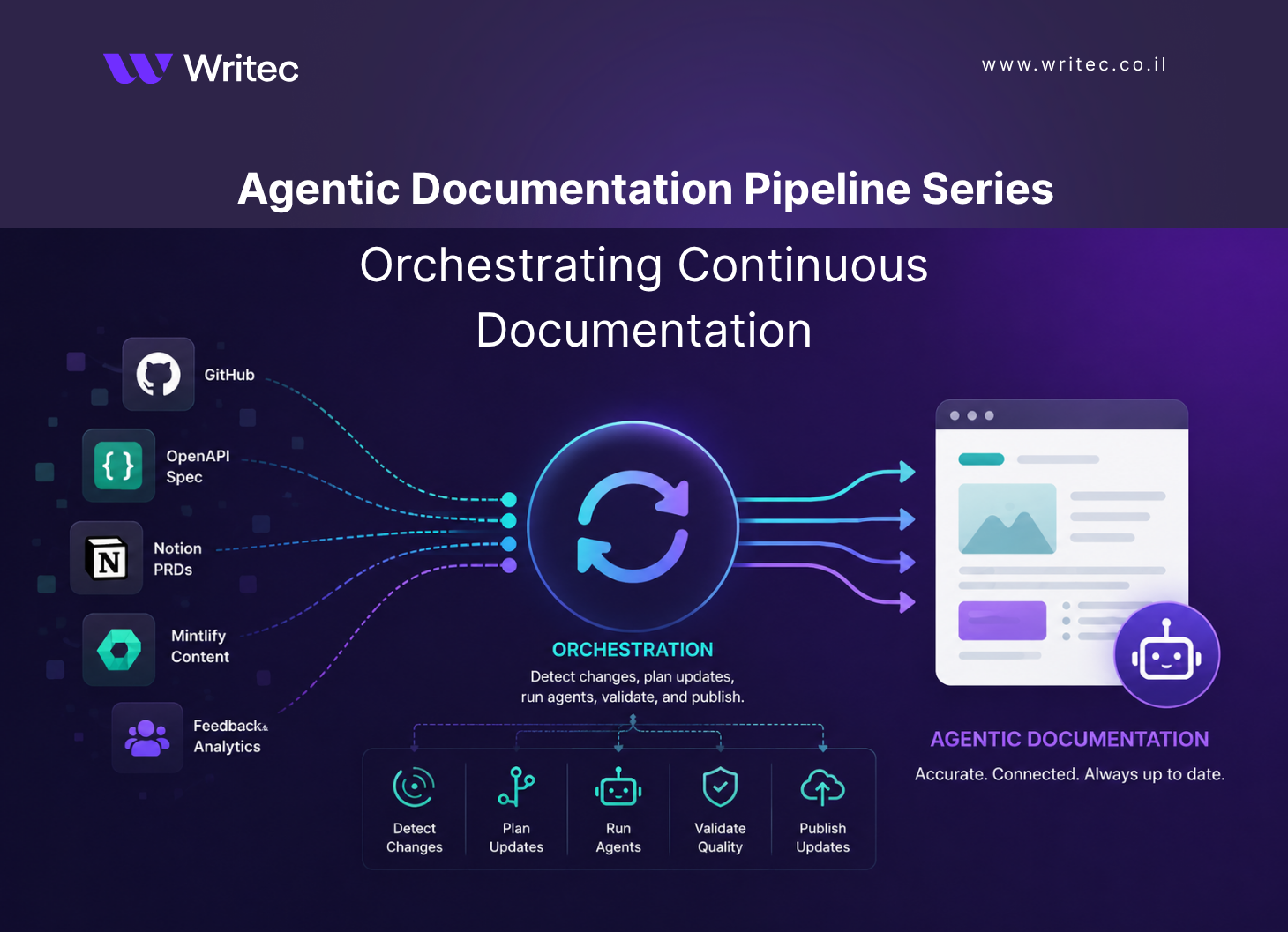
The next post in the series moves from the templates to the orchestration that drives them: how the pipeline detects a change, decides what to regenerate, and routes the resulting pull requests to the right reviewer.